Share a live feed of repo screenshots
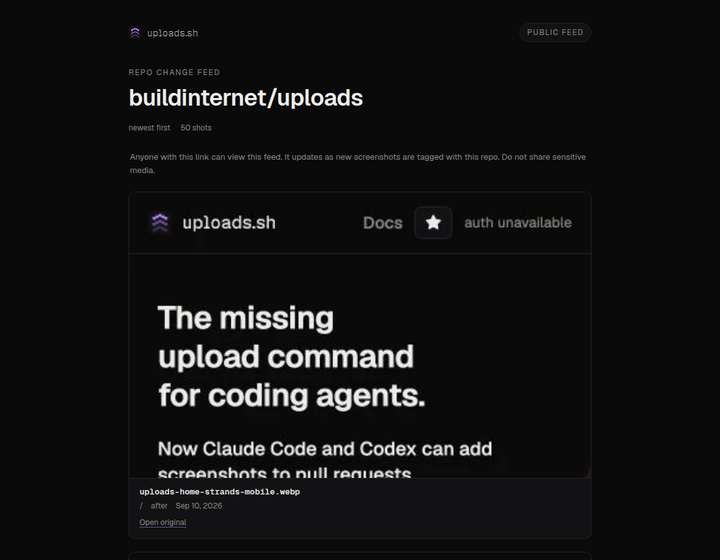
You can now share a live feed of screenshots for a GitHub owner/repo behind
one public URL. The page lives at /c/<id>, newest first, and updates as
new shots land. Anyone with the link can view it — the same privacy model as
galleries.
Create a feed from the CLI. Omit --repo and it uses the current git remote.
Pass --path to keep the feed to one page. Scope that same feed to one pull
request or issue with --pr or --github. Creating the same scope again
returns the existing URL.
uploads feed create
uploads feed create --repo owner/repo
uploads feed create --repo owner/repo --path /settings
uploads feed create --repo owner/repo --pr 123
uploads feed create --github owner/repo#123
Agents can call feed_create / feed_get on stdio or hosted MCP.
A feed is a live query, not a curated list. Galleries stay hand-built ordered lists you add to yourself. Use a feed when you want what changed in this repo lately, or on one pull request. Use a gallery when you want to pick and order shots. The Change feeds guide has the full workflow.
What this does not include: daily digest email, Slack webhooks, or a merged-only filter.